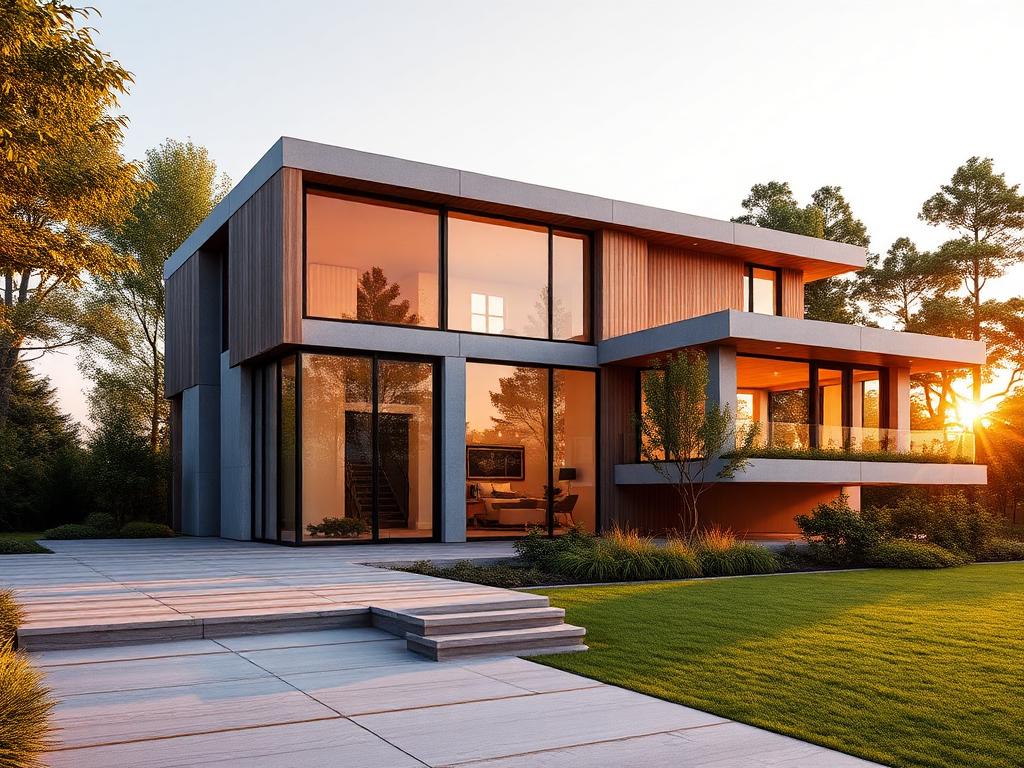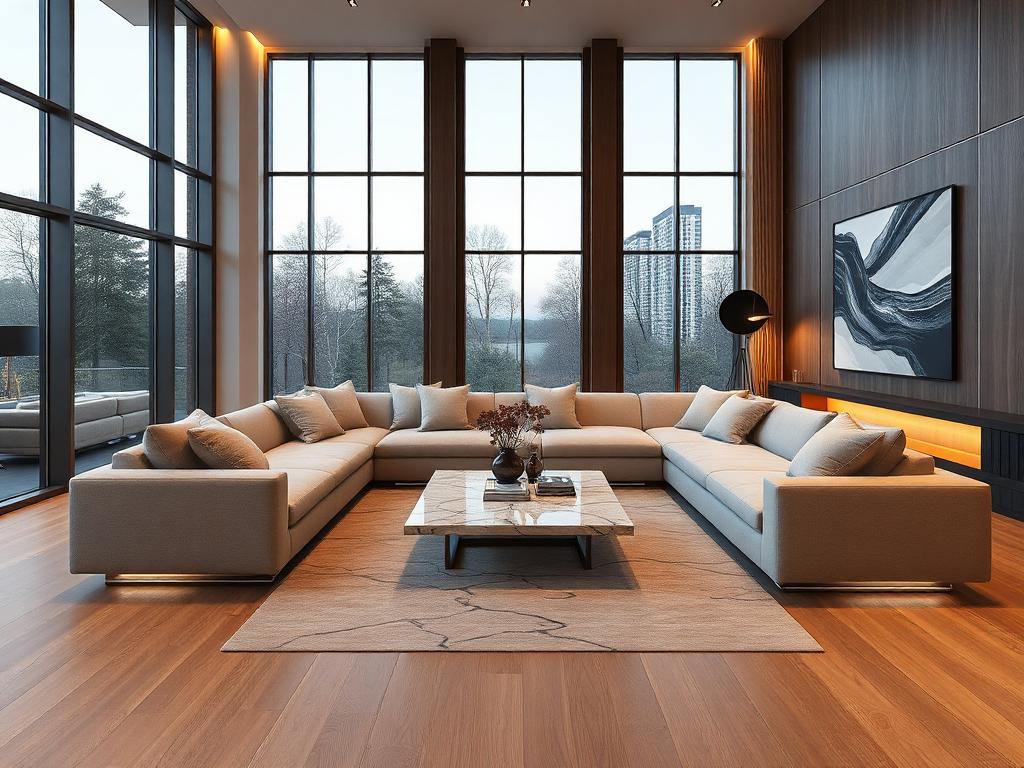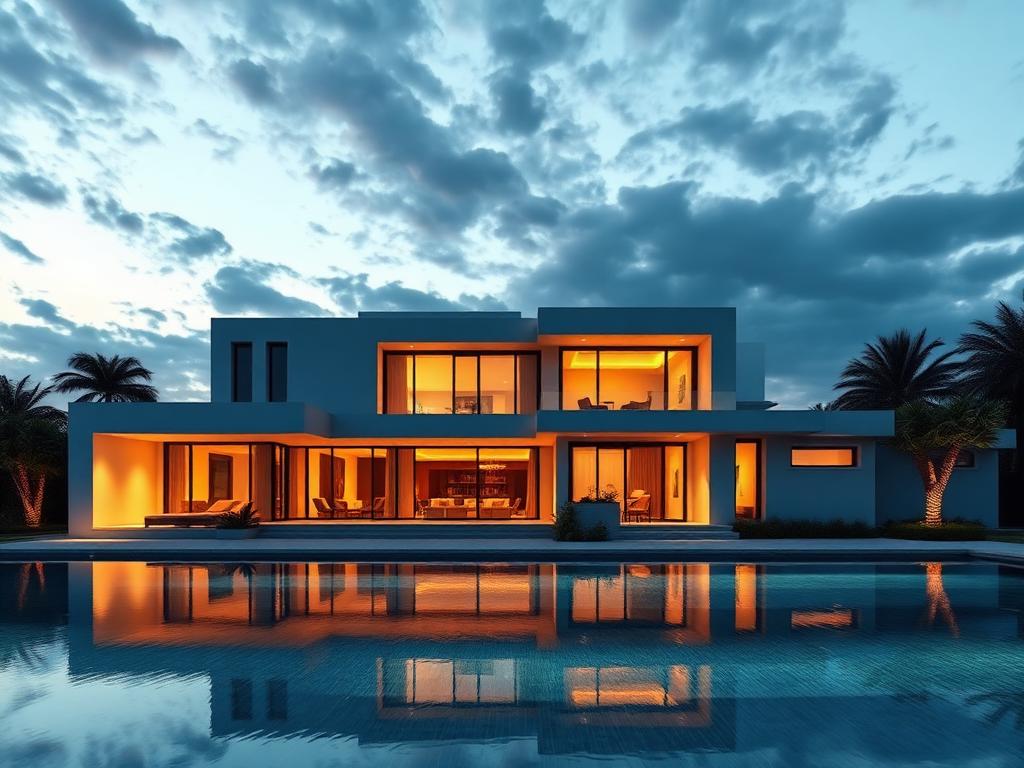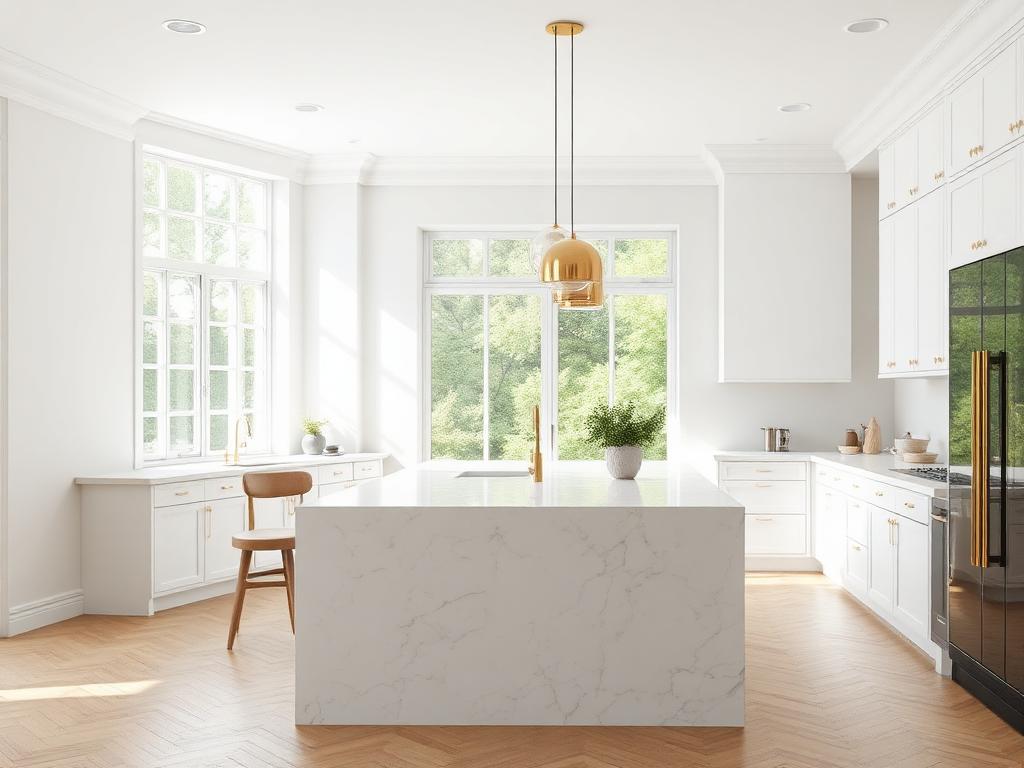
AI-powered 3D rendering for architects & designers

Turn floor plans into photoreal 3D in minutes.

Upload your drawings, describe the vision, and generate four cinematic 3D views. Built for working architects and interior designers.
All AI tools included 4 angle renders per project No credit card
5.0from early users By Cadbull · trusted by architects since 2014
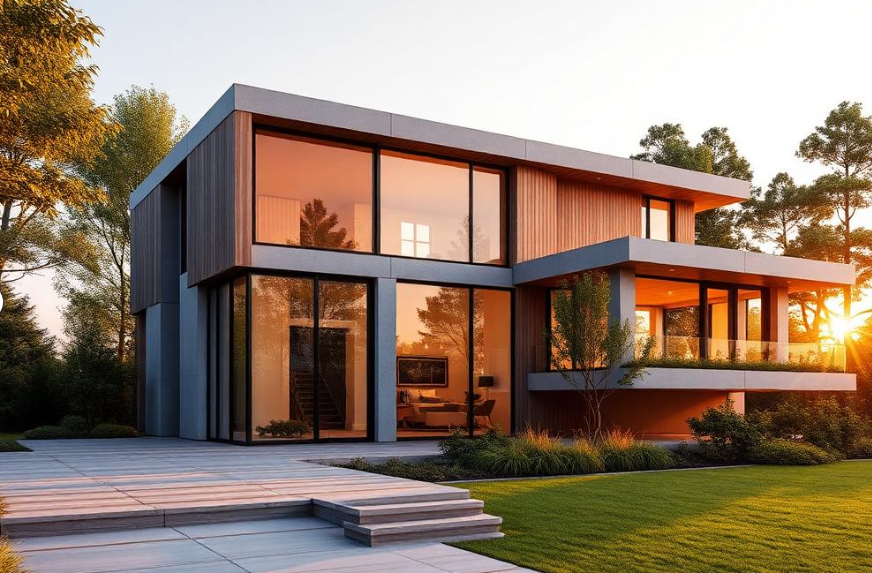
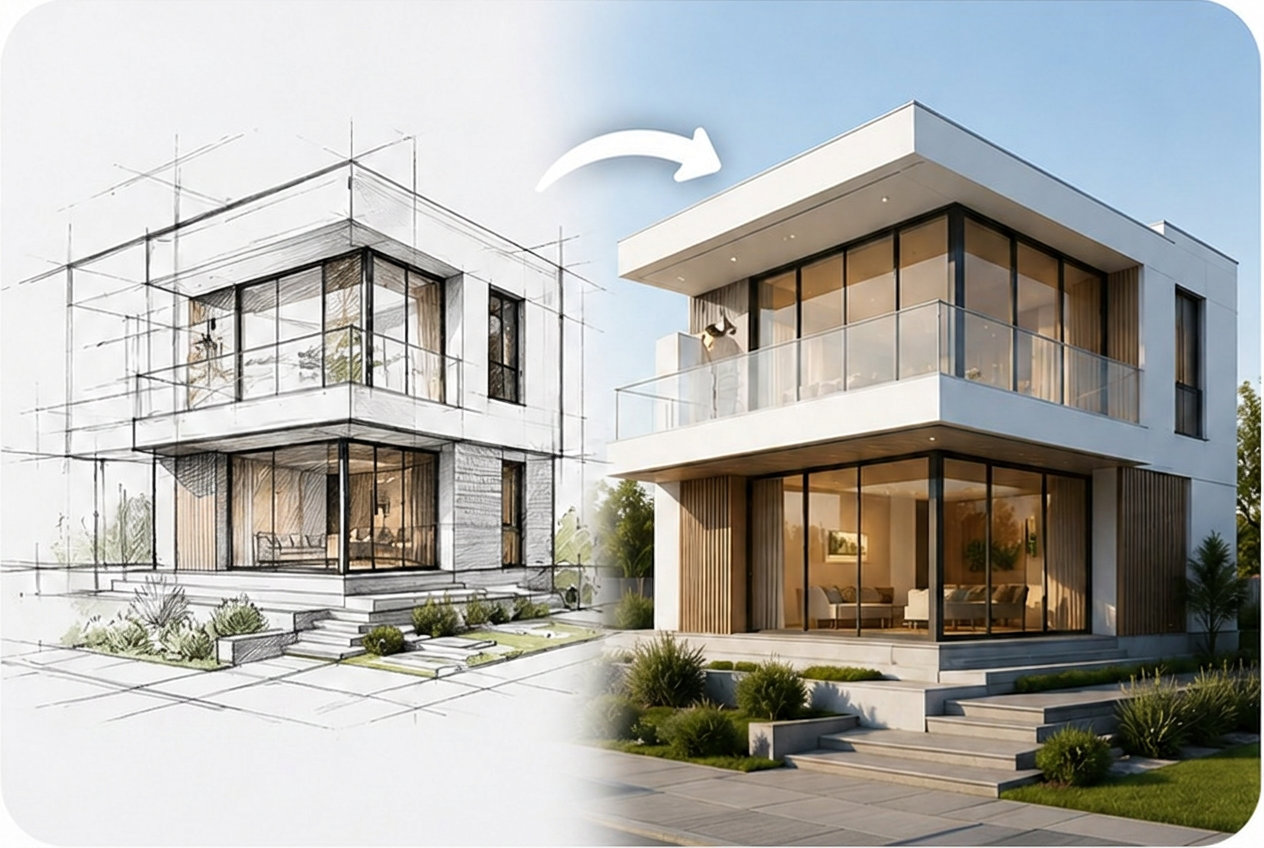
3D Render
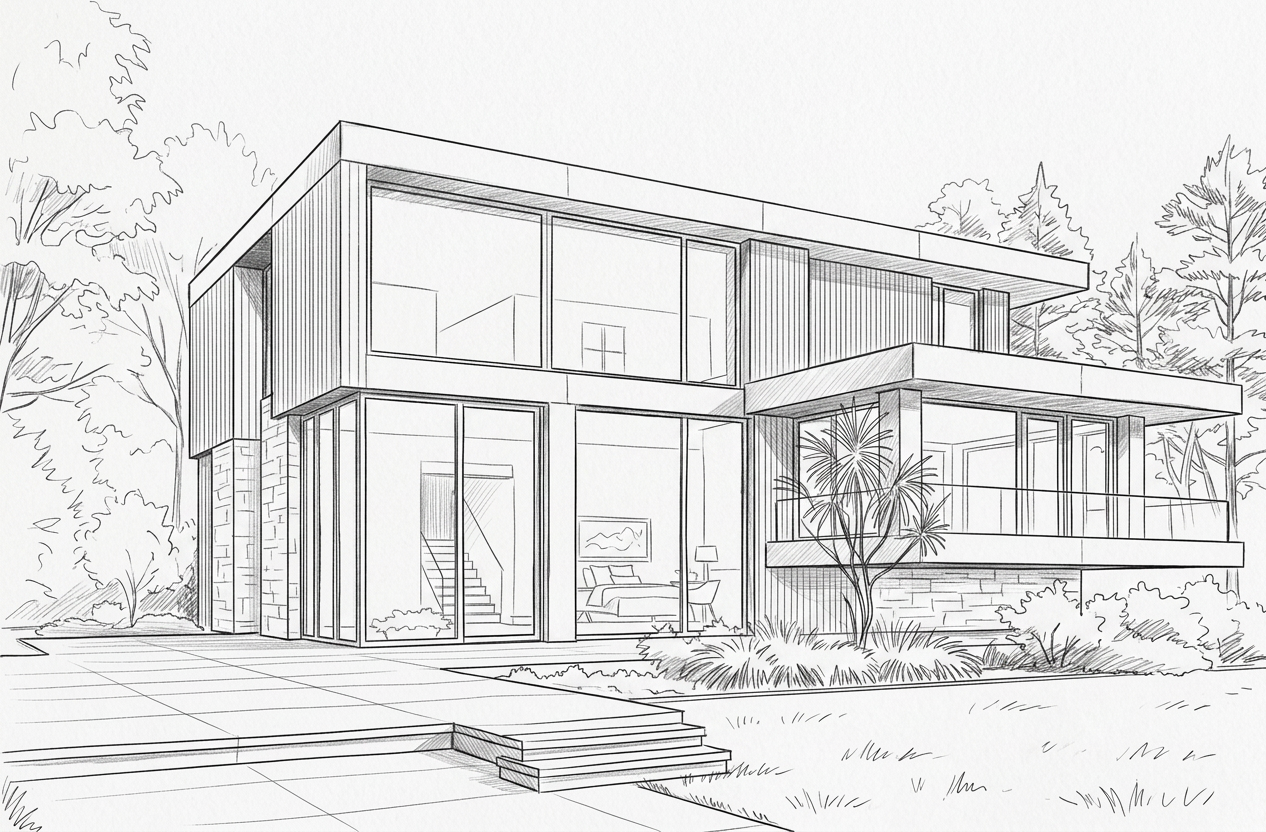
Sketch
Sketch
3D Render
0+
Renders generated
0+
Happy designers
0 views
Per project
< 0s
Average turnaround
Used by designers in
New York·London·Berlin·Tokyo·Sydney·São Paulo·Dubai·Mumbai·Singapore·Toronto·Paris·Amsterdam·Hong Kong·Dublin·Mexico City·Cape Town·Seoul·Madrid·Istanbul·Bangkok·Stockholm·Melbourne·Vancouver·Lagos·Riyadh·Buenos Aires·
Toolkit

One studio. Every visual.

Pick a tool, upload your input, get production-ready output. No software install.
13 AI toolsBrowser-basedEditable outputsStudio-grade quality
01/144 Images

Architecture Renders

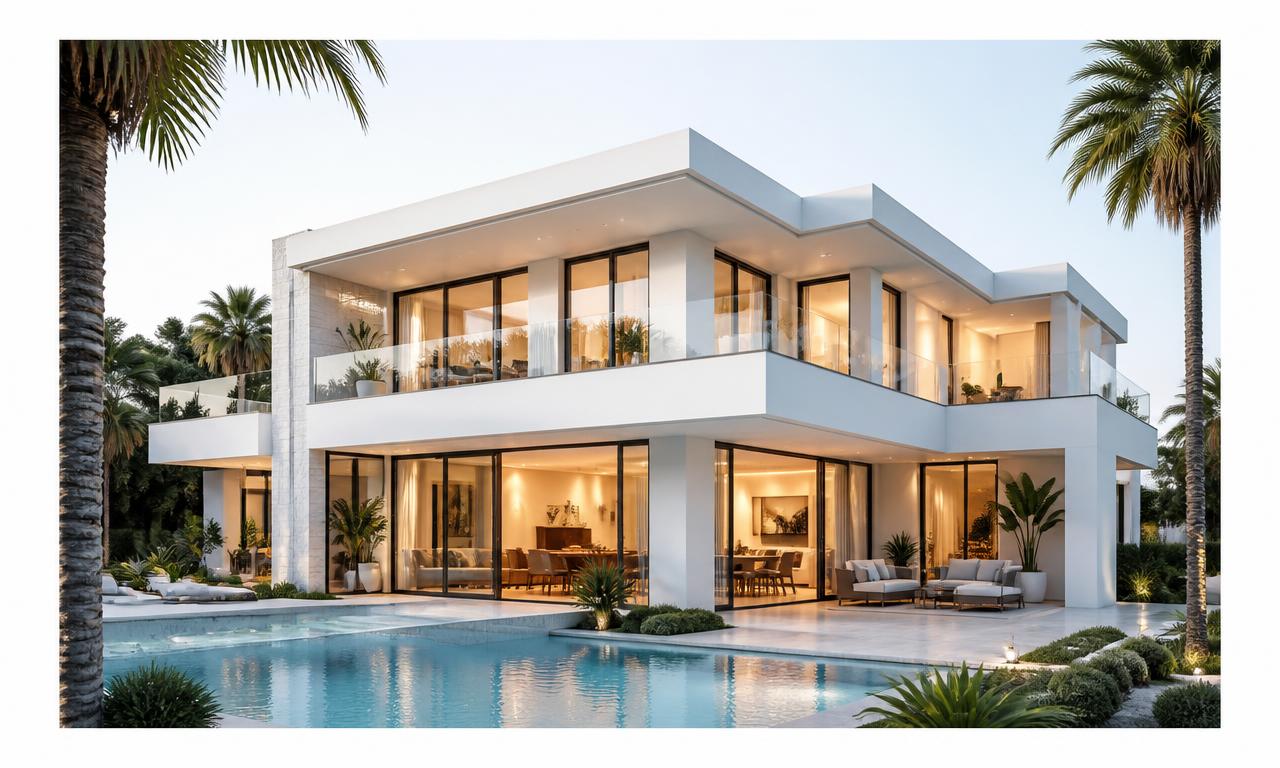
Photoreal exteriors from plans + elevations.
PhotorealReady
Open
Upload a plan + elevation, get 4 photoreal exterior angles in minutes.
02/144 Images

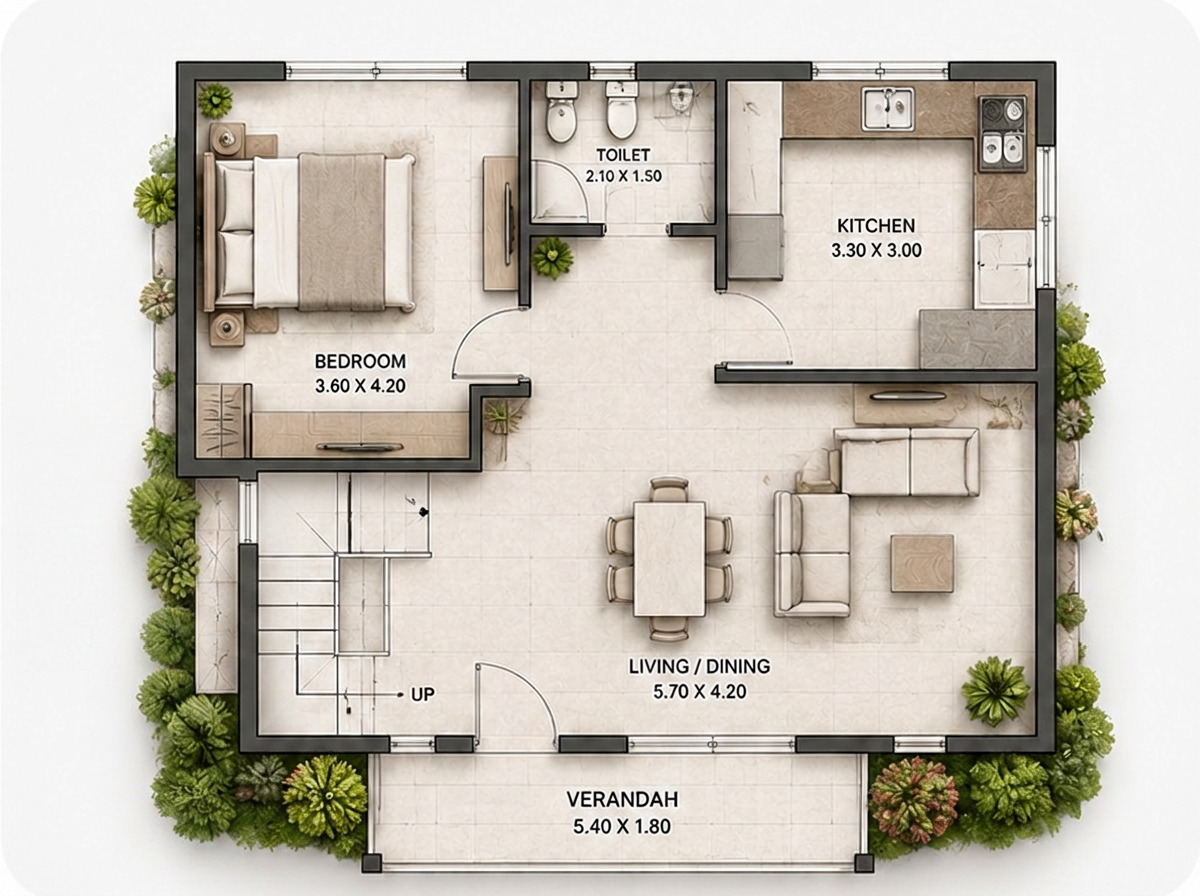
Interior Renders

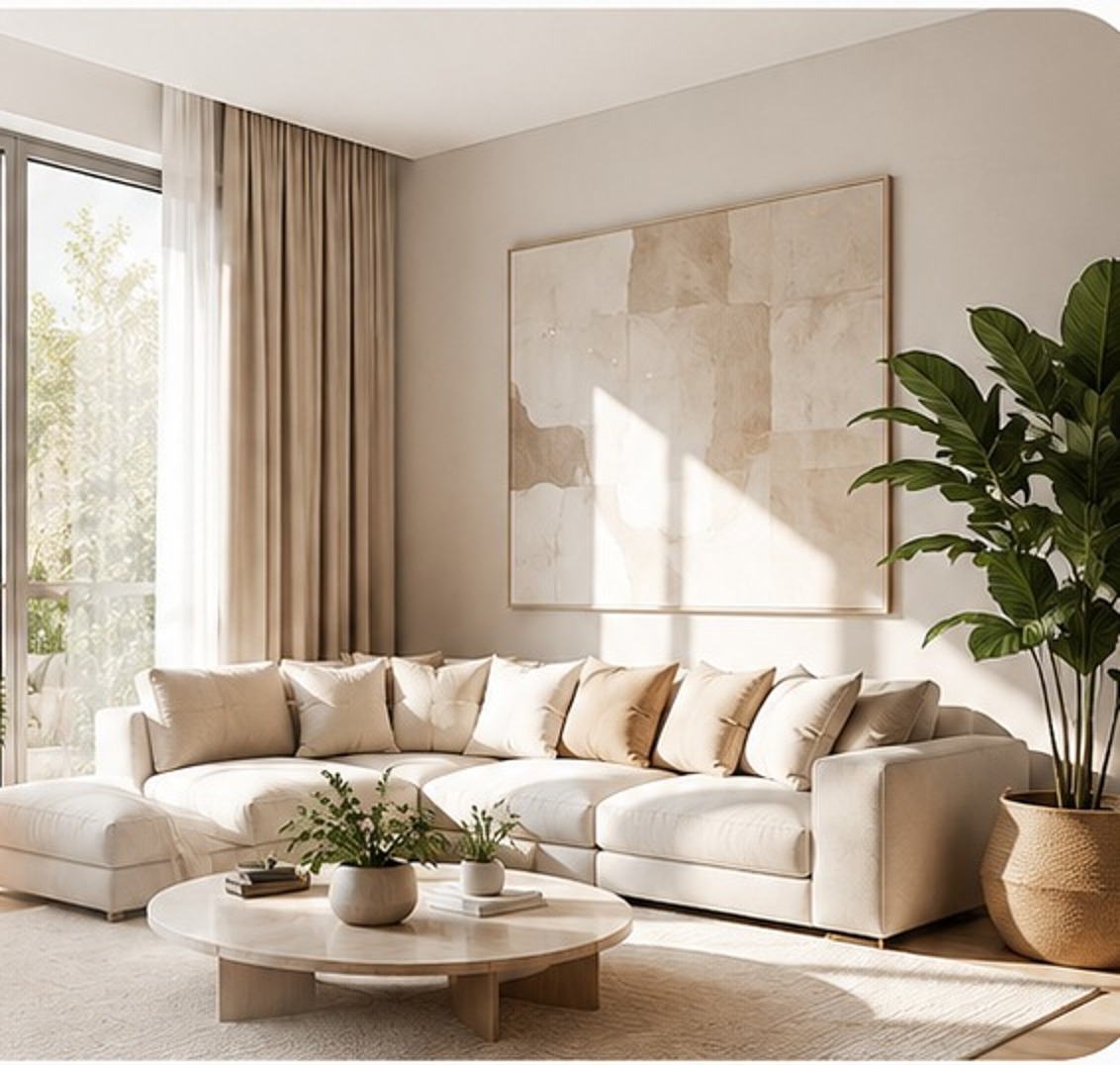
Magazine-grade interior views with style & materials.
StyledReady
Open
Pick a style + materials, get 4 magazine-quality interior views.
03/14Image

Sketch to 3D

Hand sketches into polished 3D renders.
InstantReady
Open
Turn a hand sketch into a polished 3D render — no modeling needed.
04/14Plan

AI Floor Plan

Room-labelled floor plans from a text brief.
LabelledReady
Open
Describe rooms + plot size, get a labelled floor plan instantly.
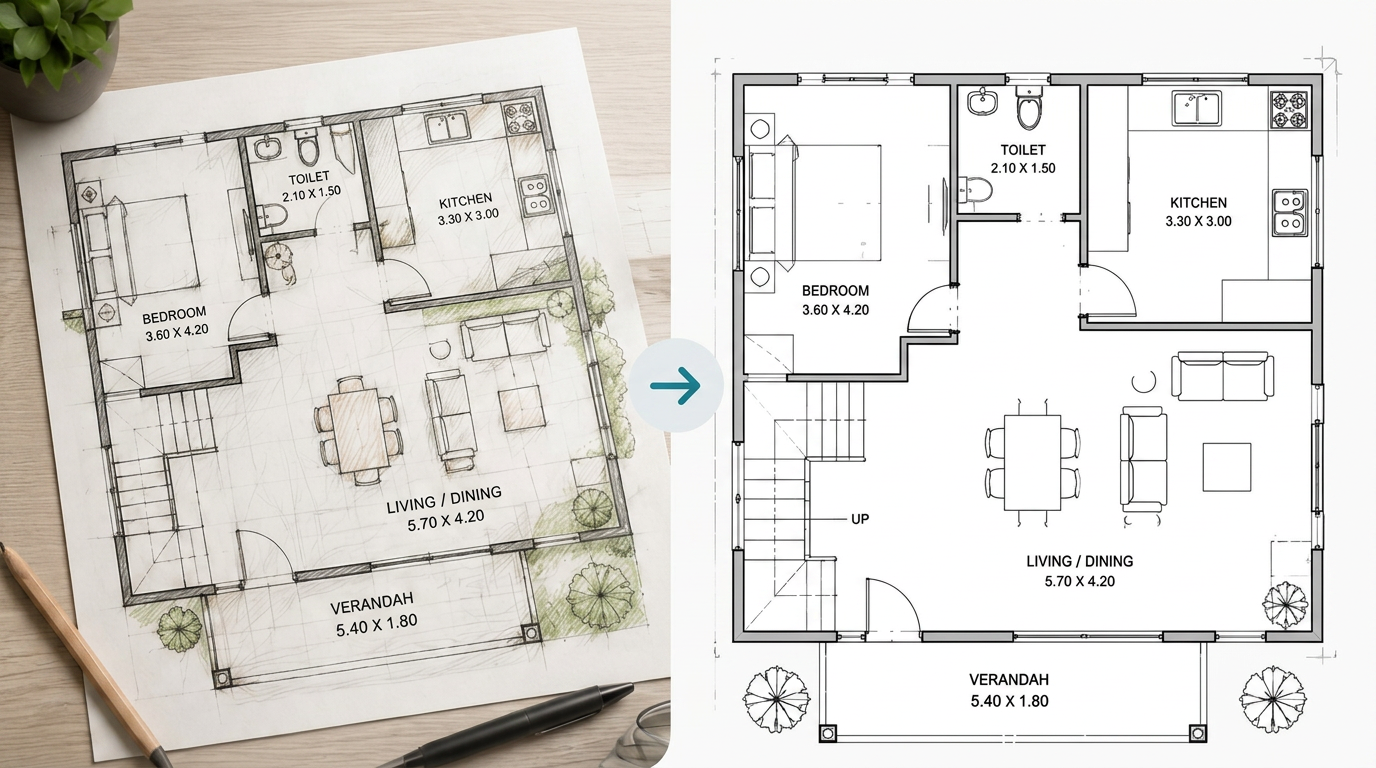
05/14CAD

Image to DWG

Convert plan images into editable AutoCAD DWG.
EditableReady
Open
Convert any plan image into an editable AutoCAD DWG file.
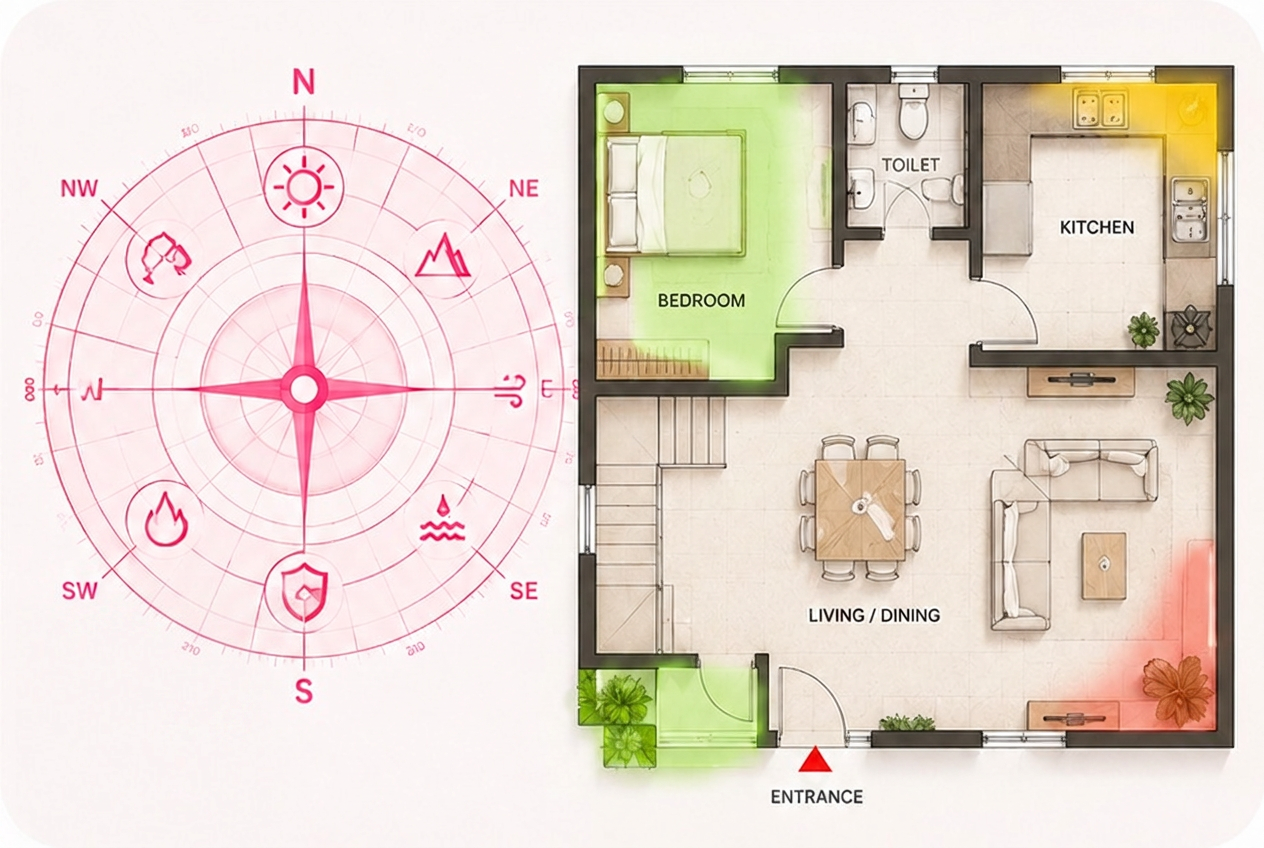
06/14Report

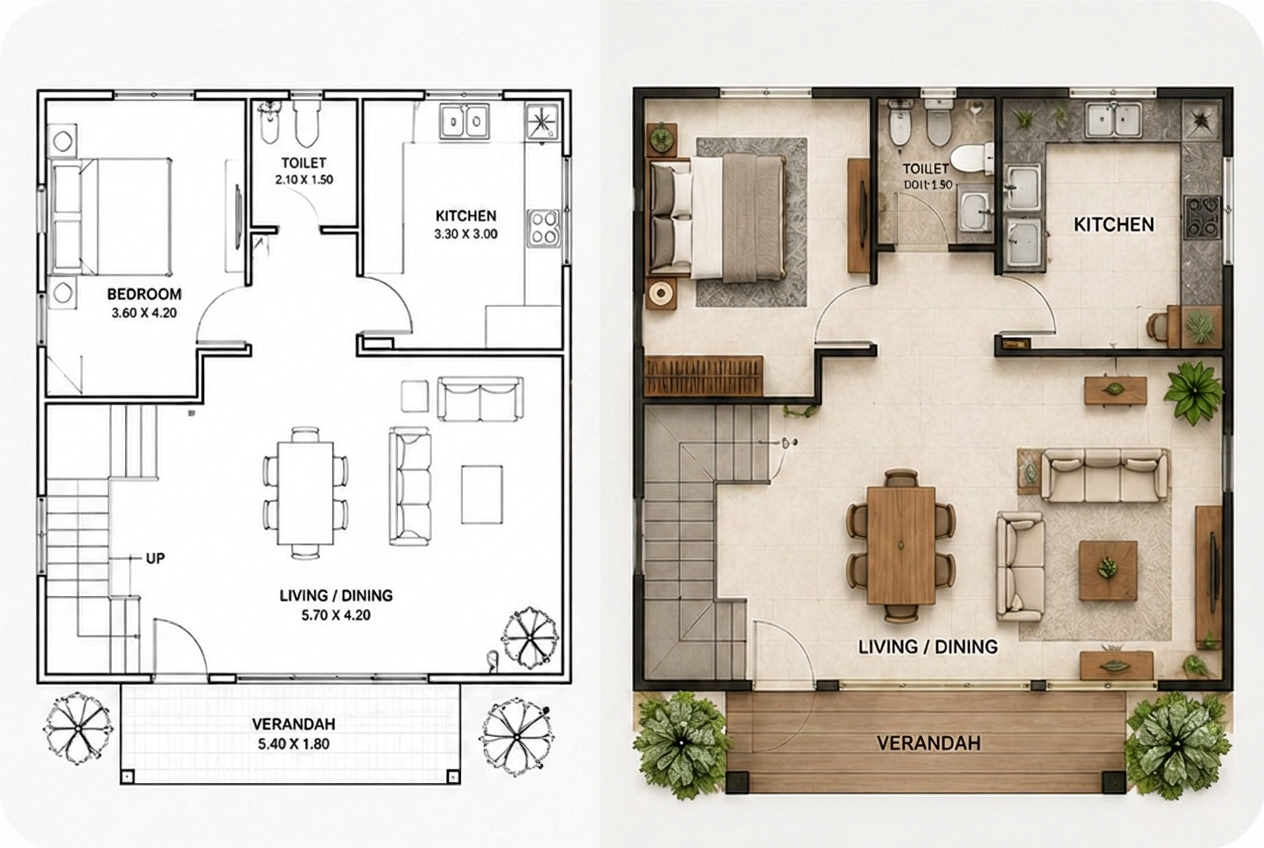
Vastu Analysis

Zone-wise harmony scoring with remedies.
RemediesReady
Open
Zone-wise Vastu scoring with clear remedies for each direction.
07/142D

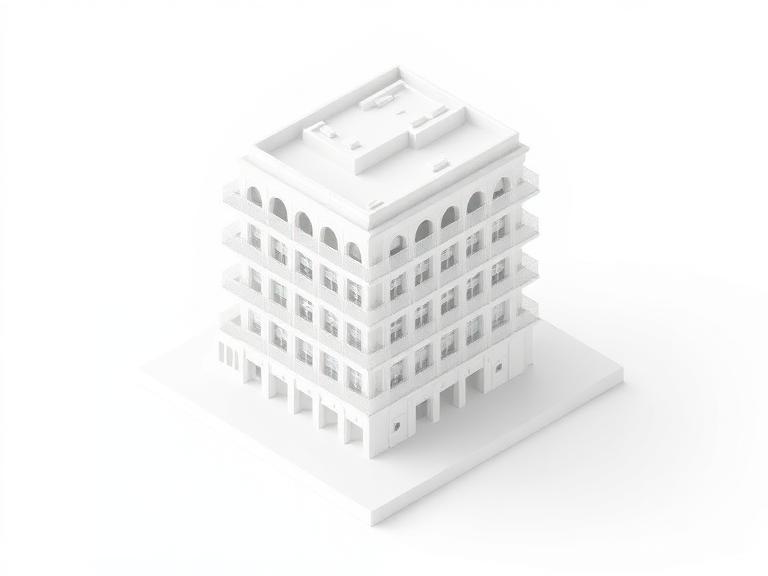
2D Visualizer

Rough sketches into clean coloured 2D plans.
ColouredReady
Open
Turn rough drafts into clean, coloured 2D presentation plans.
08/143D

Plan Forge

3D massing models straight from 2D plans.

MassingReady
Open
Auto-generate a 3D massing model from your 2D floor plan.
09/14Doc

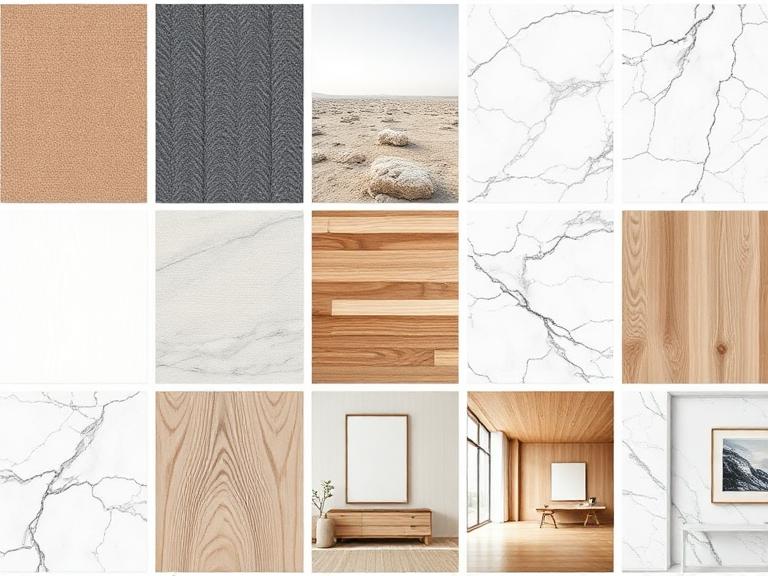
Thesis Builder

Architecture thesis drafted end-to-end.
CitedReady
Open
Draft a full architecture thesis — chapters, citations, case studies.
10/14Canvas

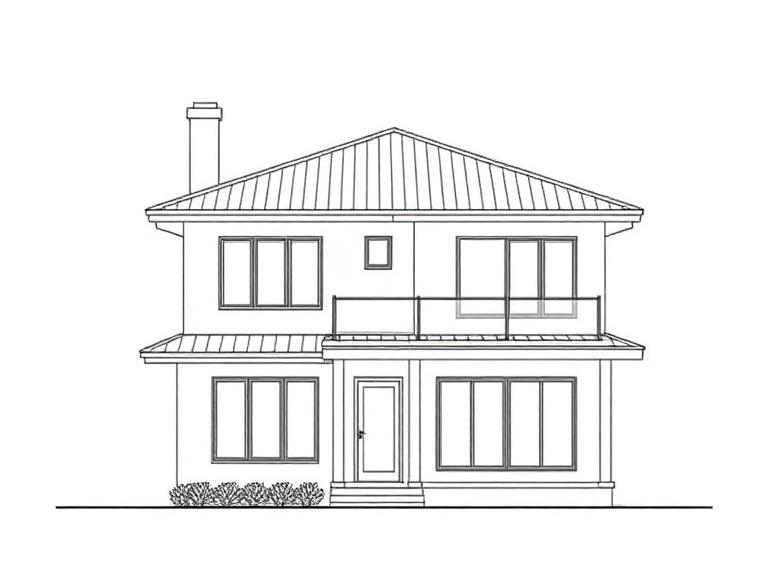
Mood Board

AI boards with palettes, textures & picks.
CuratedReady
Open
Build client mood boards with palettes, textures and product picks.
11/14Drawing

3D to 2D

Clean 2D elevations from 3D models & photos.
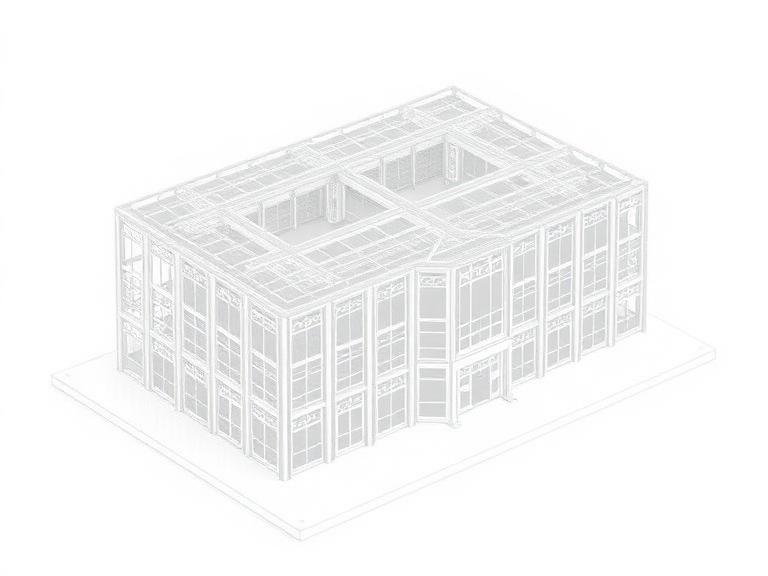
CAD-gradeReady
Open
Extract clean 2D elevations and plans from a 3D model or photo.
12/14Model

2D to 3D

Extrude 2D plans into massing models.
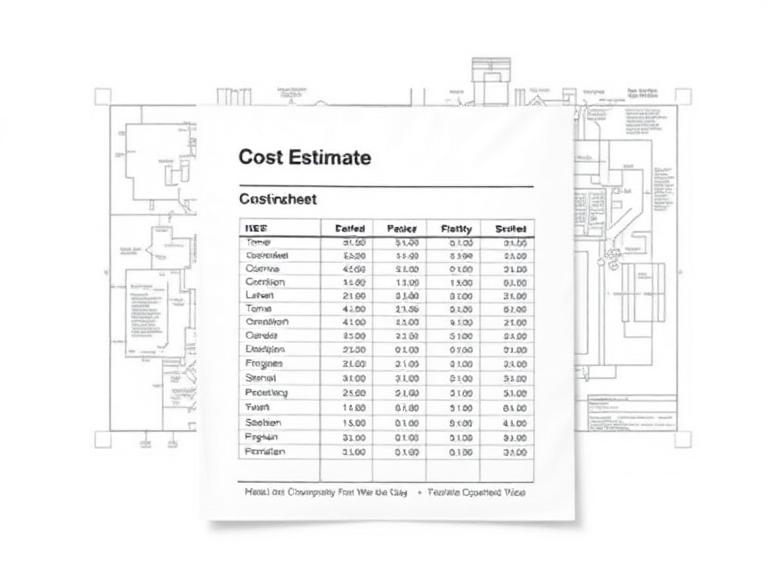
PreviewReady
Open
Extrude a 2D plan into a 3D massing model and preview.
13/14Pro

BOQ Generator

PDF drawings → priced Bill of Quantities.
PricedReady
Open
Generate a full Bill of Quantities from your plan — takeoff, pricing, RFQs and PDF export.
14/14Tool

Unit Converter

Architect calculators — area, length, volume.

FreeReady
Open
Architect calculators: area, length, volume, scale and more.
Workflow

From sketch to render in three steps

No 3D software. No render farm. Upload, describe, download.

STEP 01

Upload drawings

Drop your floor plans and elevations. PDF, JPG or PNG — we handle the rest.

STEP 02

Describe vision

Add style, materials, lighting and mood. Our AI assistant suggests prompts.

STEP 03

Get 4 renders

Receive cinematic views from every angle. Download or save to your gallery.

Every format your workflow needs

Deliver in the exact file types clients, contractors, and universities expect — no format wrangling, no back-and-forth.

DWG
AutoCAD editable
DXF
CAD interchange
PNG
Hi-res renders
JPG
Web & preview
PDF
Reports & plans
SVG
Vector 2D
NEW · Sketch to 3D

Hand-drawn sketch → 100% photoreal 3D

Upload any rough sketch — building or room. Our AI auto-detects the subject and renders a single, magazine-quality 3D photograph in under a minute.

Fast — 5 pts Premium — 10 pts Auto-detect
3D render
Sketch
Sketch
3D render
Why Cadbull AI

Cadbull AI vs hiring a 3D artist

The same client-ready render — minutes instead of days, at a fraction of the cost.

Compare
Traditional 3D artist
Cadbull AI
Turnaround
2–5 days
Under 2 minutes
Cost per render
₹3,000–₹15,000
₹40–₹120 in credits
Revisions
1–2 included
Unlimited re-runs
Style options
Manual setup
12+ presets, instant swap
Vastu / floor plan tools
Separate consultants
Built-in
Scales with you
Hire more artists
Queue more renders
Simple pricing

Pay only for what you render

No subscription. No monthly lock-in. Top up your wallet with credits that never expire.

100credits

Try a few renders

  • Credits never expire
  • Failed renders auto-refunded
  • All AI tools unlocked
Most popular
500credits

A week of active design work

  • Credits never expire
  • Failed renders auto-refunded
  • All AI tools unlocked
2,000credits

Full project / studio use

  • Credits never expire
  • Failed renders auto-refunded
  • All AI tools unlocked

Floor plan ~20 credits · 4-view architecture render ~80 · Vastu report ~10

Loved by studios

What architects are saying

Trusted by independent designers and full-service studios on six continents.

"AI Cadbull Studio cut our concept-render turnaround from two days to fifteen minutes. Clients sign off faster and we ship more projects."

Daniel Carter, Carter & Vale Studio, New York
Daniel Carter
Carter & Vale Studio, New York
"Interior moodboards used to take a full day. Now I upload a plan, describe the vibe, and four hero views land in my gallery."

Sofia Almeida, Studio Almeida, Lisbon
Sofia Almeida
Studio Almeida, Lisbon
"The output quality is genuinely competitive with our junior 3D team — and it never sleeps. A real force multiplier for our practice."

Hiroshi Tanaka, Tanaka Architects, Tokyo
Hiroshi Tanaka
Tanaka Architects, Tokyo

Ready to render your next project?

Sign in, upload your first drawing, and watch Cadbull bring it to life in minutes.

FAQ

Questions, answered