
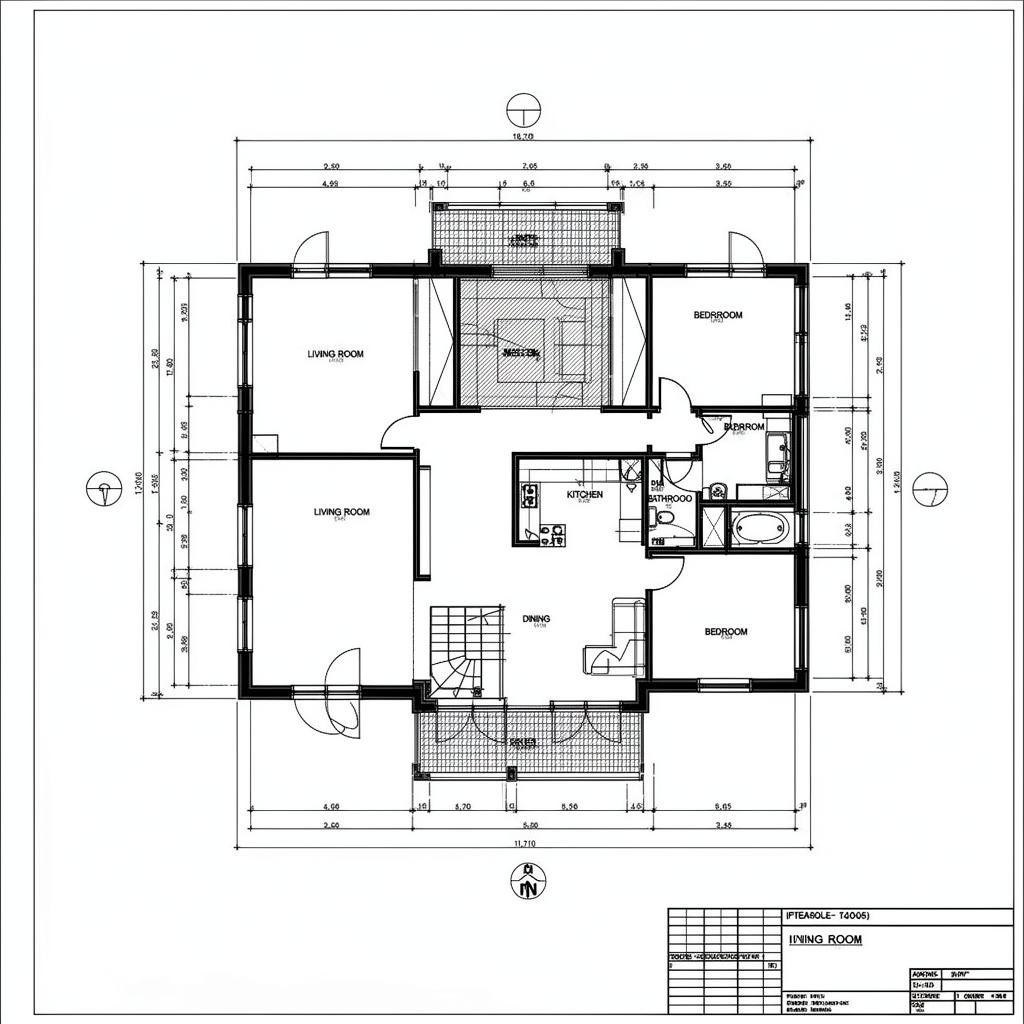
Any floor plan image → editable AutoCAD
Upload a JPG, PNG or PDF — hand-drawn, scanned or exported — and get a clean, layered DWG file you can open and edit in AutoCAD, BricsCAD or Revit. Walls, doors, windows and dimensions, all on proper CAD layers.
From pixels to polylines
Three steps. Under a minute. No manual tracing.
Drop a JPG, PNG, or PDF floor plan. Hand-drawn, scanned, or exported — orientation auto-detected.
Our vision pipeline traces walls, identifies doors, windows, rooms and dimensions, then sorts them onto AutoCAD-standard layers.
Open the file in AutoCAD, BricsCAD or Revit. Real polylines on real layers — no raster image trace, ready to edit.
Real CAD layers — not a raster trace
Every element lands on its own AutoCAD-standard layer, ready to edit independently.
A-WALLClosed polylines, exterior + interior
A-DOORDoor leaves & swing arcs
A-GLAZGlazing & openings
A-ANNODim chains & level marks
A-ROOMText + room boundaries
A-GRIDStructural grid references
Built for real CAD workflows
CAD operators, architects and BIM teams use Image-to-DWG every day.
Convert decades-old hand-drawn or scanned blueprints into a clean, editable CAD baseline you can build on.
Got a flattened PDF from a client? Get back live geometry — walls, doors, windows on proper layers in seconds.
Photograph a paper sketch on site and walk back to the studio with an editable DWG already in your project folder.
Snap as-built conditions, vectorize fast, then mark up demolition and new-work overlays on top — no tracing by hand.
Import the DWG straight into Revit as an underlay and start modelling families against accurate wall geometry.
Roll inherited drawings from many architects into one consistent layered CAD library across your portfolio.
Trusted by CAD teams worldwide
What CAD teams say
"We had 1,400 scanned floor plans from a 30-year archive. What used to take a draftsman a full day per plan now takes us 20 seconds."
"Clients send PDF prints and expect edits next morning. Image-to-DWG turns that pain into a non-issue — open, vectorize, edit, deliver."
"The layered output is what sold me. Real A-WALL, A-DOOR layers — not a dumb raster trace. Saved my studio weeks of cleanup."
Simple, fair pricing
Pay per conversion — no subscriptions, no surprises.
Silver plan
- 50 AI Credits included
- Every AI tool unlocked
- Full DWG + DXF export
- Layered output
Image to DWG
- ~20-second turnaround
- Batch up to 20 plans (paid plans)
- AutoCAD R2018 DWG + DXF
- Commercial use included
Image-to-DWG vs hand-tracing
Why teams stopped re-drawing inherited plans by hand.
Frequently asked questions
Everything to know before you upload your first plan.