
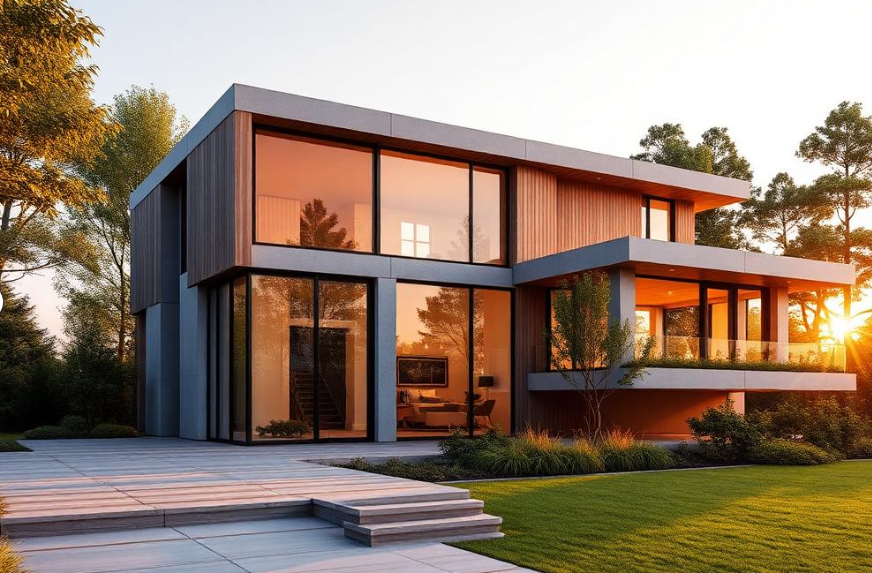
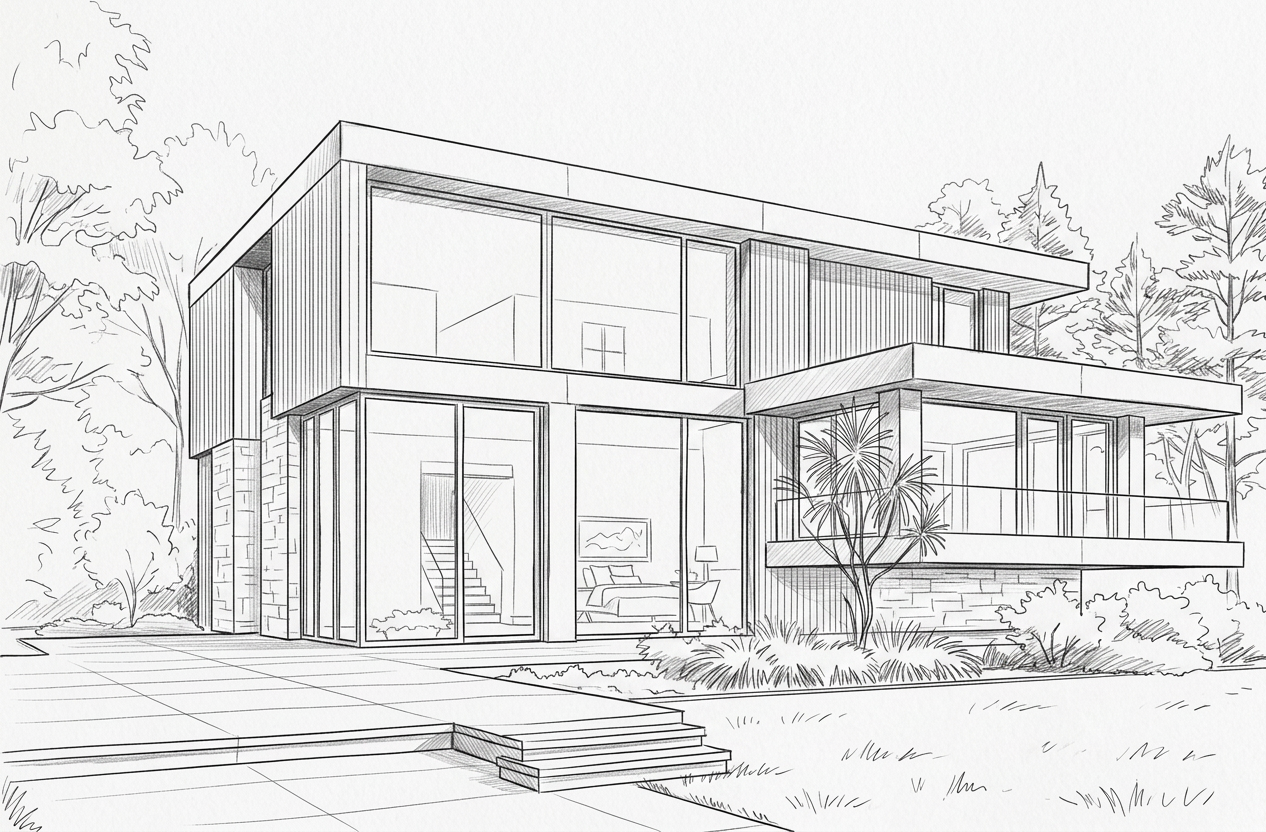
Turn hand sketches into photoreal 3D renders.
Upload any pencil, ink or marker sketch — building exterior or interior — and our AI delivers a 100% photorealistic 3D image in under a minute.
From paper to photoreal
Three steps. Under a minute. No 3D software needed.
Drop a hand-drawn or digital sketch — pencil, ink, marker, iPad or CAD outlines. Building or room — auto-detected.
Our model preserves your geometry exactly and adds PBR materials, realistic lighting, sky, shadows and atmosphere.
Drag the before/after slider, generate variations for different moods, and download full-resolution images for clients.
Built for real workflows
Architects, interior designers and students use sketch-to-3D every day.
Turn napkin sketches into client-ready visuals in the same meeting. Win the brief on day one instead of week two.
Sketch a room layout and instantly see it in 4 different material palettes — wood, stone, minimal, biophilic.
Photoreal hero images at DSLR quality without spending nights in V-Ray. Submit more entries, win more juries.
Generate variations to test material, lighting and time-of-day options before committing to a direction.
Drop your design into a believable environment with sky, landscape and subtle vegetation — automatically.
Architecture students: build a portfolio of photoreal hero images for thesis, juries and job applications.
Tips for the best renders
Small sketch habits, dramatically better outputs.
Bold, continuous lines beat soft shading. The model reads outlines best — fill light shading later.
Show windows and doors as distinct rectangles. Clear openings = correct façade and correct interior light.
If you're shooting paper, hold the camera flat to the page. Avoid heavy shadows from your hand or lamp.
Same sketch, different mood — generate variations to explore time-of-day and material palettes risk-free.
Loved by creators worldwide
Loved by architects & students
"I sketched a façade in the cab on the way to a client meeting and walked in with a photoreal render. Closed the project that afternoon."
"Replaced my V-Ray draft pass entirely for early-stage client presentations. 30 seconds vs 3 hours."
"As a final-year student I built my entire thesis portfolio with sketch-to-3D. Got into two grad schools."
Simple, fair pricing
Pay per render — no subscriptions, no surprises.
Fast
- ~15 second render time
- Great for iterations & concepts
- Auto building / interior detect
- Unlimited variations
Premium
- ~30–45 seconds, top-tier model
- 100% photoreal — DSLR look
- Best for client presentations
- Full-resolution downloads
Sketch-to-3D vs traditional rendering
Why early-stage visualization belongs to AI.
Frequently asked questions
Everything you need to know before you upload your first sketch.
Explore the rest of the studio
More AI tools built for architects and interior designers.